01 / arrive
Write the amount you have
A sentence is enough. Focus mode leaves room for your words; a longer page is there when you want it.
 Zolio - A quiet notebook for closing the day
A few lines at the end of the day is plenty. Zolio is a private daily journal that skips the scores and streaks, so missing a day never counts against you.
Folio is now Zolio - the same quiet journal, with a new name.
Prefer a store listing? Open Google Play or the App Store.
 On a computer?
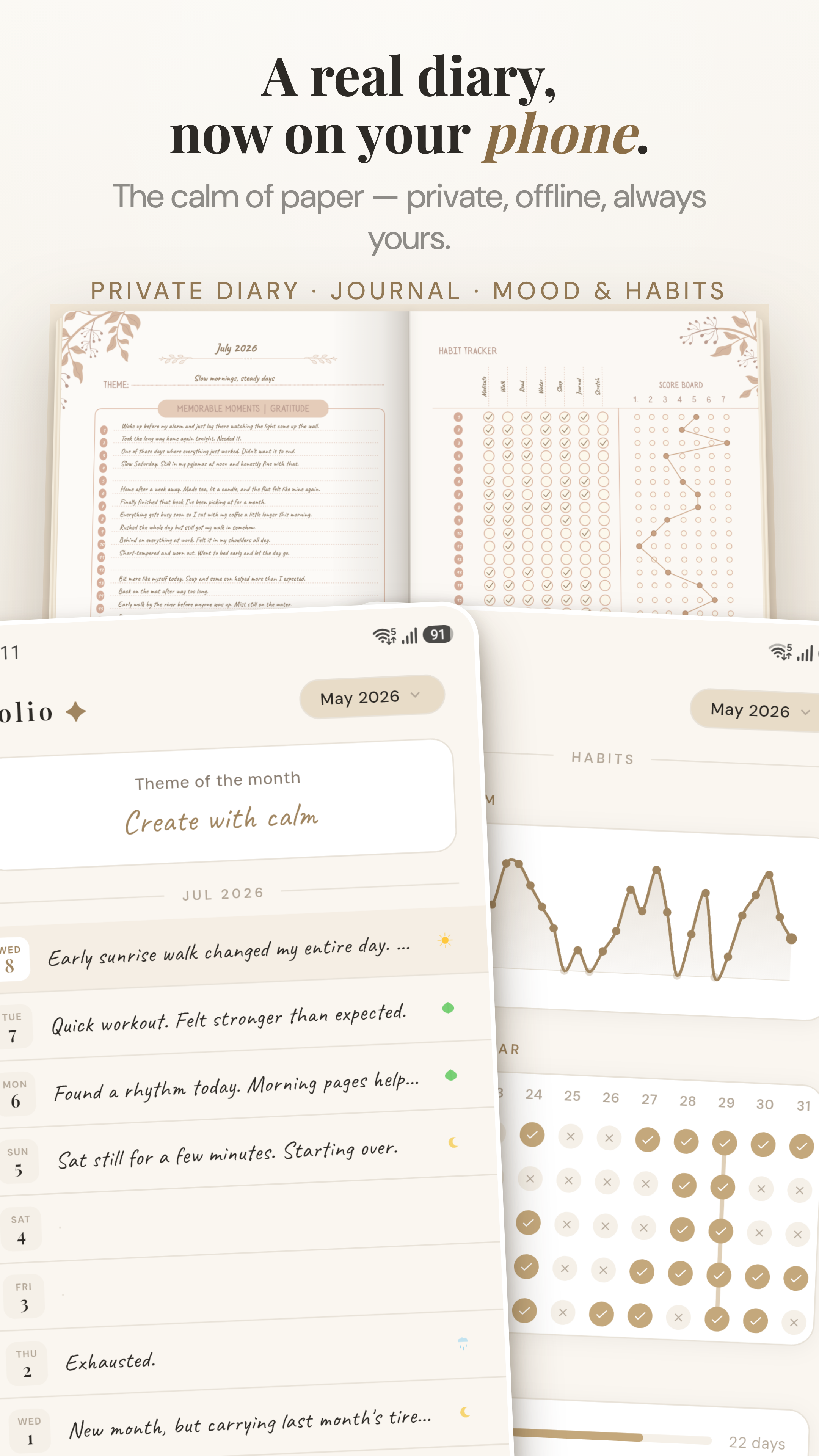
Zolio is a free, offline, private daily journal and mood tracker for Android and iOS. It has no ads, no Zolio account, and no streak pressure, just a quiet notebook for writing a line or a page, keeping photographs, voice notes and things to do, and reflecting on your month. Your notebook stays on your device by default, with optional app lock. If you enable backup, Zolio copies it only to the personal Google Drive or iCloud account you choose.
01 / arrive
A sentence is enough. Focus mode leaves room for your words; a longer page is there when you want it.
02 / notice
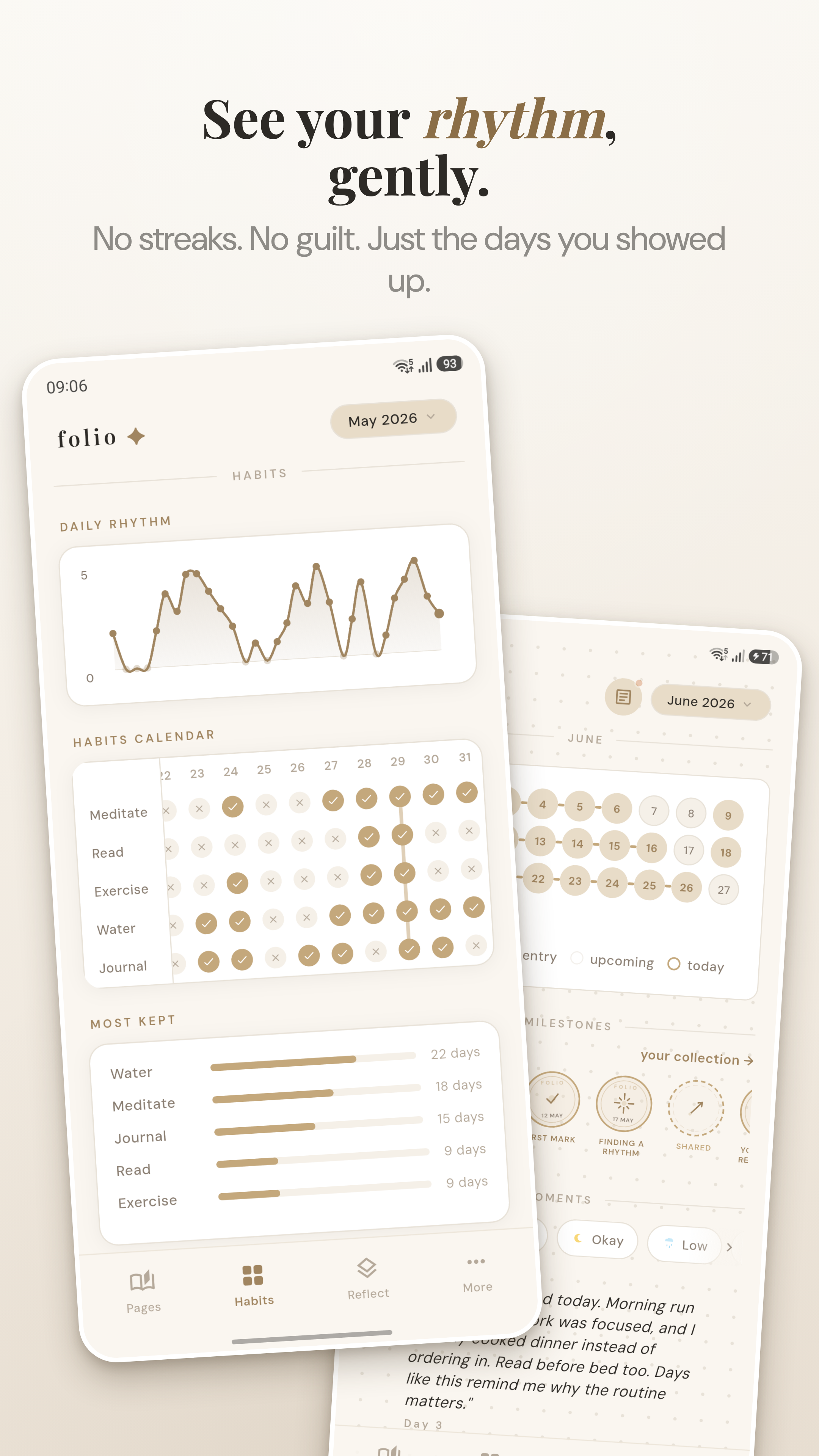
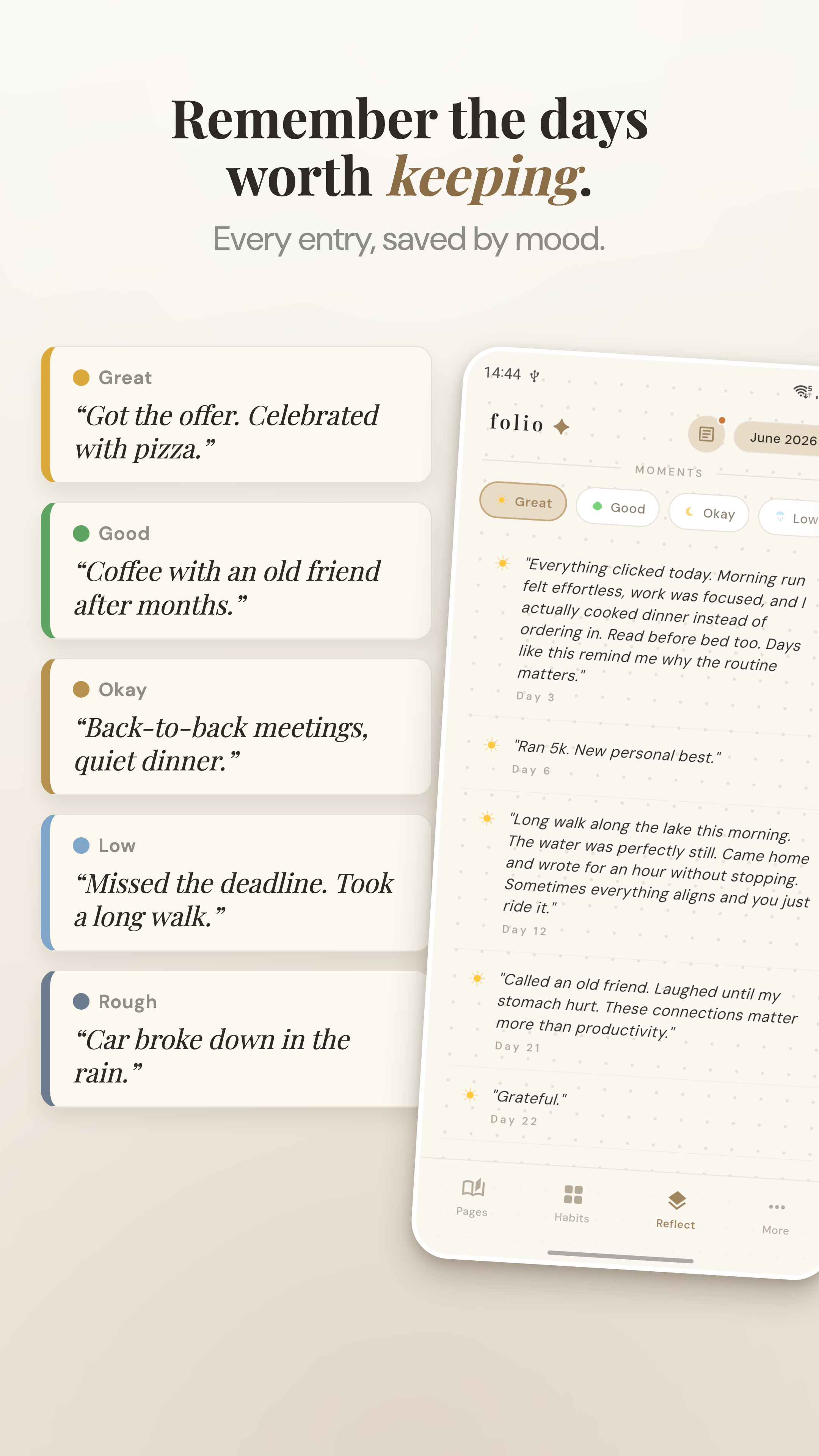
Log a mood or a few habits beside the entry. Miss a day and nothing breaks or counts against you.
03 / return
Search when you need a moment back, then use monthly reflections to notice recurring themes at your own pace.
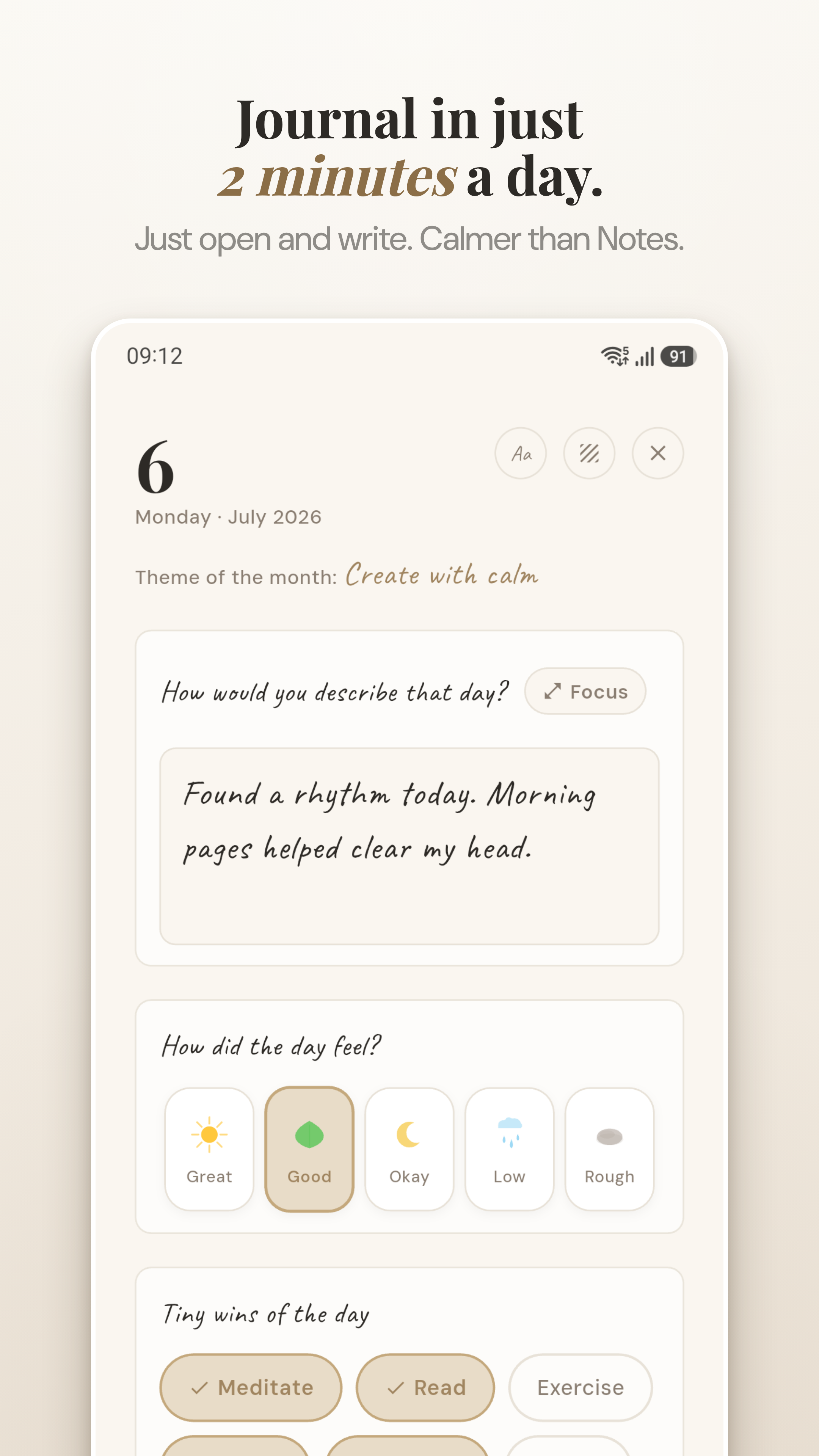
Write a sentence or fill the whole page. Focus mode hides everything but your words, so nothing on screen pulls your attention away.
Tap an emoji for how the day felt and move on. There's nothing to score and no chart sizing up your week, just a quiet record you can look back on.
Keep a few small habits next to your entries. Miss a day and nothing breaks; you'll still see how things trend over the weeks.
At the end of the month, Zolio gathers your entries so the recurring themes are easy to spot: what kept coming up, and what actually mattered.
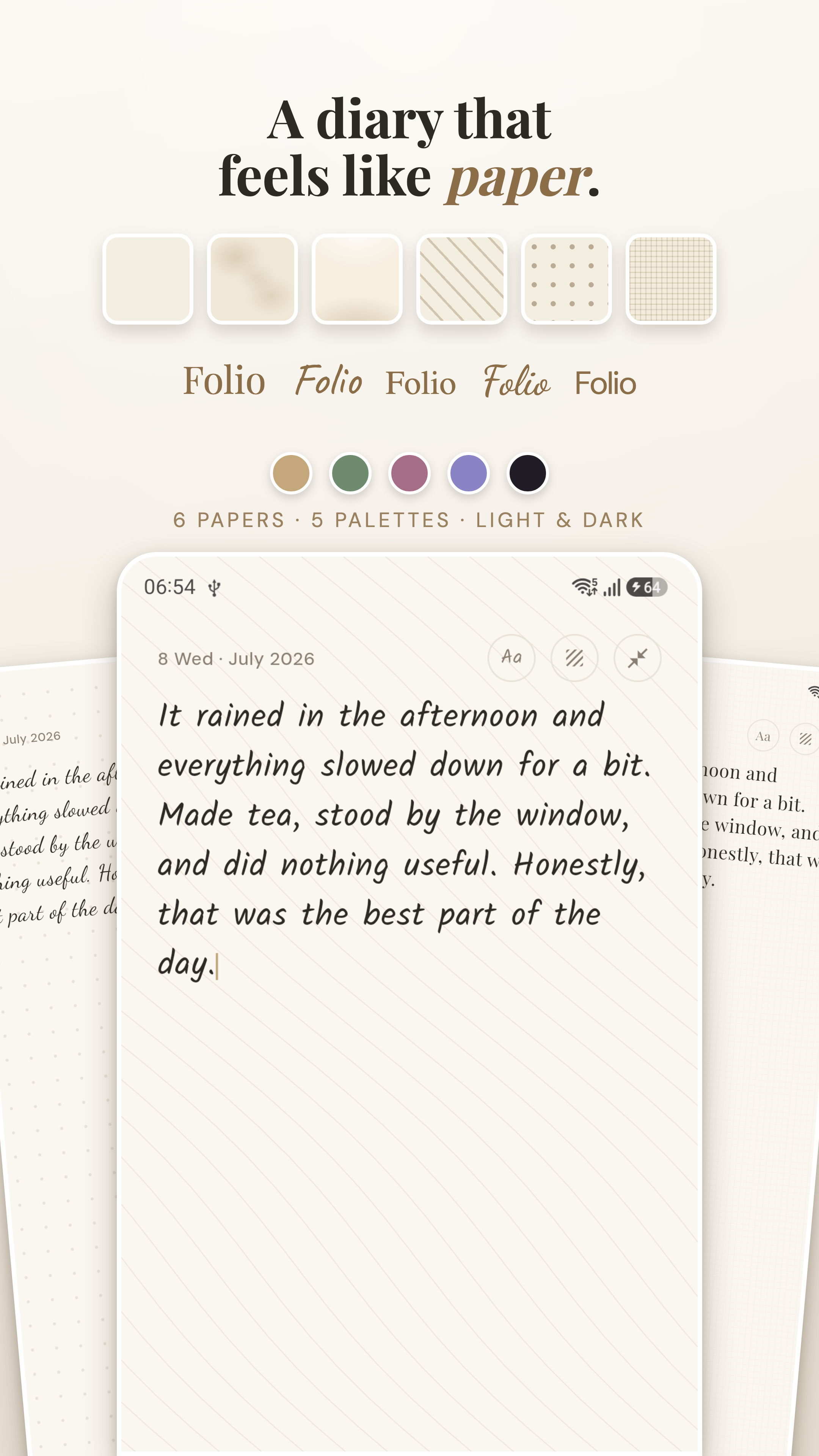
Choose from 5 color palettes and 6 paper textures. Make your notebook a place you want to return to.
A soft nudge to write, never nagging. Set your preferred time. Snooze or skip without penalty.
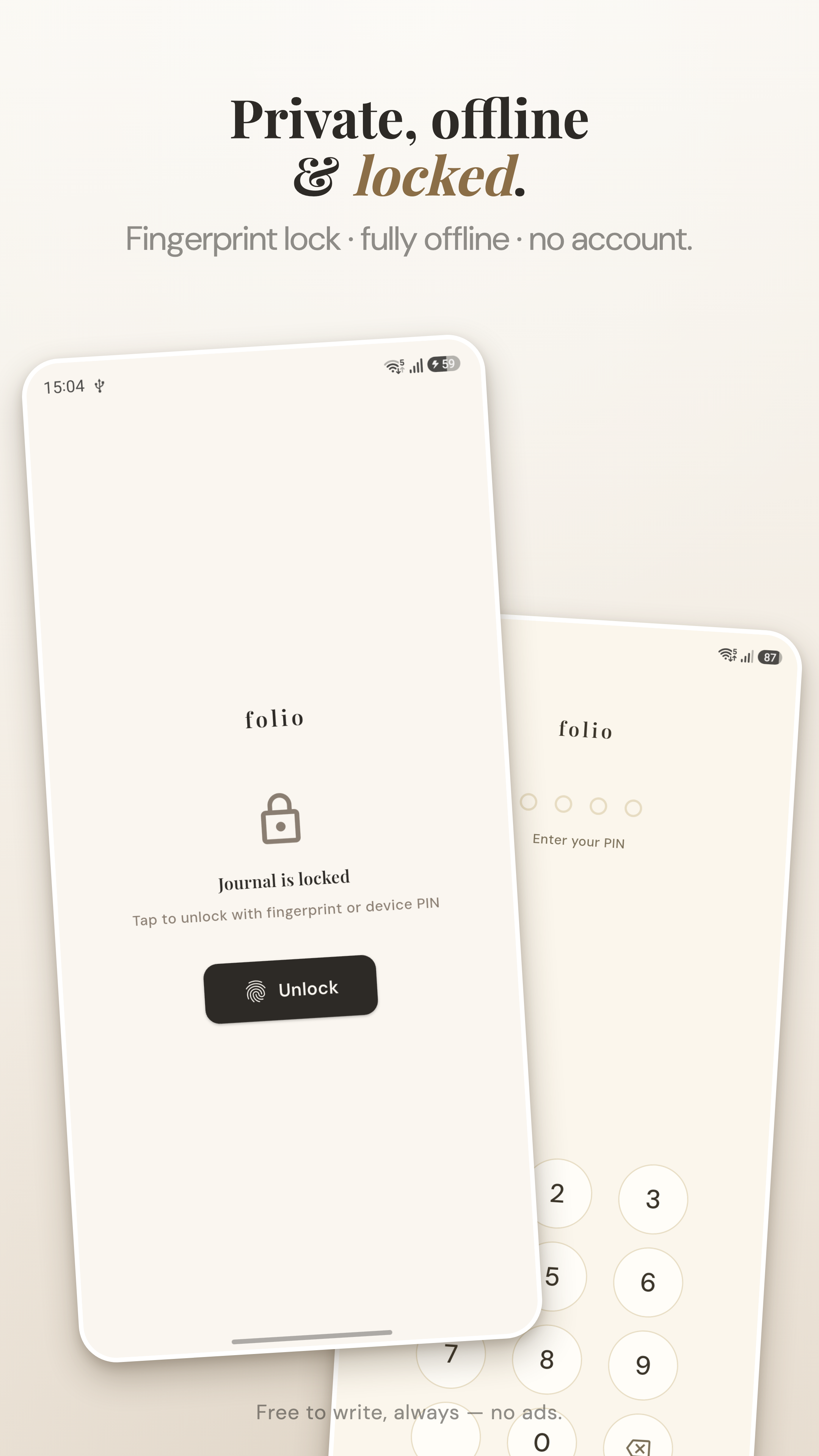
App lock with PIN or biometric. Your notebook stays on your device by default. Zolio or PurposeLab servers never receive it.
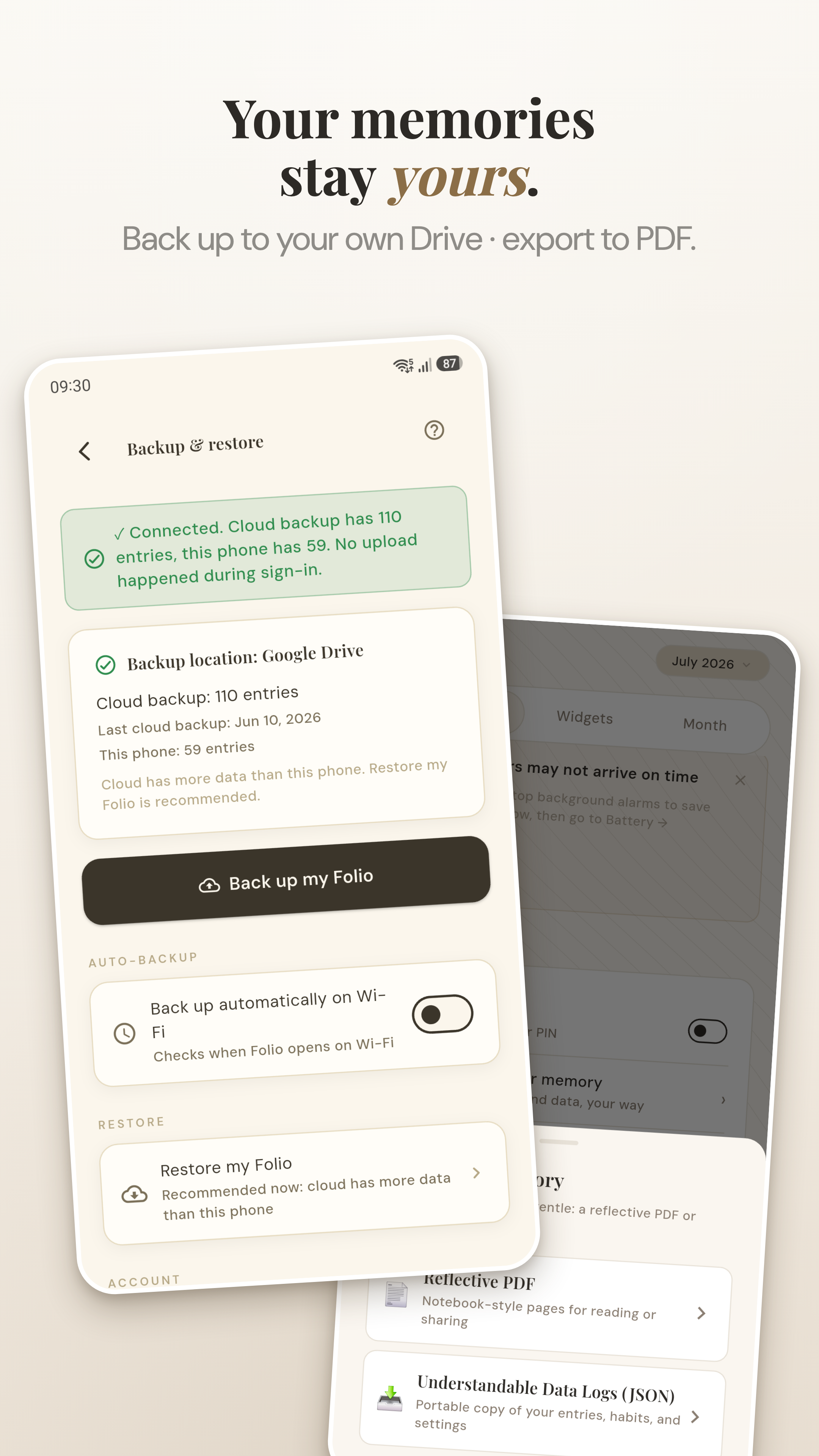
Optional backup goes only to the personal Google Drive or iCloud account you choose. Google or Apple stores that copy under your account; Zolio and unrelated third parties do not receive it.
📝 Not sure what to write? Try the free Journaling Prompt Generator.
🌿 New to journaling? Read the calm guide to daily journaling.
📓 Comparing journal apps? See the best free journal app guide.
Journaling is free to start, with premium features when you want to go deeper. No ads, and no feed to perform for. If you'd rather see how it feels first, you can write a page right here in your browser before you install anything.
| Zolio | Typical journal app | |
|---|---|---|
| Price | Free core · optional Plus | Freemium / subscription |
| Ads | None | Often |
| Account required | No | Usually |
| Works offline | Yes | Sometimes |
| Streak pressure | None | Common |
| App lock | Yes | Rare |
| Your data | On-device by default · your personal cloud if chosen | Often on the developer's cloud |
Zolio's core is free: daily journaling, mood, habits, and monthly reflections, with no ads and no account required. An optional Zolio Plus (monthly or lifetime) adds extra themes, fonts, and widgets, but you're never blocked from writing.
Yes. Zolio stores your notebook on your device by default and includes biometric or PIN app lock. If you enable backup, Zolio copies it only to the personal Google Drive or iCloud account you choose, never to Zolio or PurposeLab servers or unrelated third parties. Anonymous crash and usage statistics never include notebook content.
No connection is needed for writing, photographs, voice notes, moods, habits, or things to do. Zolio stores them on your phone by default. Optional online features include backup to the personal Google Drive or iCloud account you choose, purchases, feedback, and anonymous crash and usage reporting.
Daily journal entries, mood (emoji or scale), custom habits, and monthly reflections that summarize your patterns.
Zolio is gentle and pressure-free. No streaks that punish you for missing a day, no social features, no gamification. Just a quiet space for honest reflection.
Yes. Zolio includes search functionality so you can find entries by keyword, date, or mood. Your entire journal history is always accessible.
Yes. Biometric (fingerprint/face) and PIN lock to keep your journal private from anyone who picks up your phone.
Yes. Zolio lets you export your entries so your data is never trapped in the app. You own your words.
Yes. Folio is now Zolio. Only the name changed: the same app, the same journal, and all your existing entries and backups carry over. If you already have it installed as Folio, it becomes Zolio on the next update, with nothing to reinstall or migrate.
The science-backed approach that actually works for busy people.
How combining journals and mood tracking reveals insights neither can show alone.
Where your entries actually go, and how to keep a journal only you can read.
Ground, untangle, and reframe anxious thoughts.
Explore your values, patterns, and what you really want.