You bring the reading
BP Log records numbers from a home blood pressure monitor. It does not measure blood pressure.
PurposeLab apps / BP Log
 Keep home BP readings ready for your next appointment
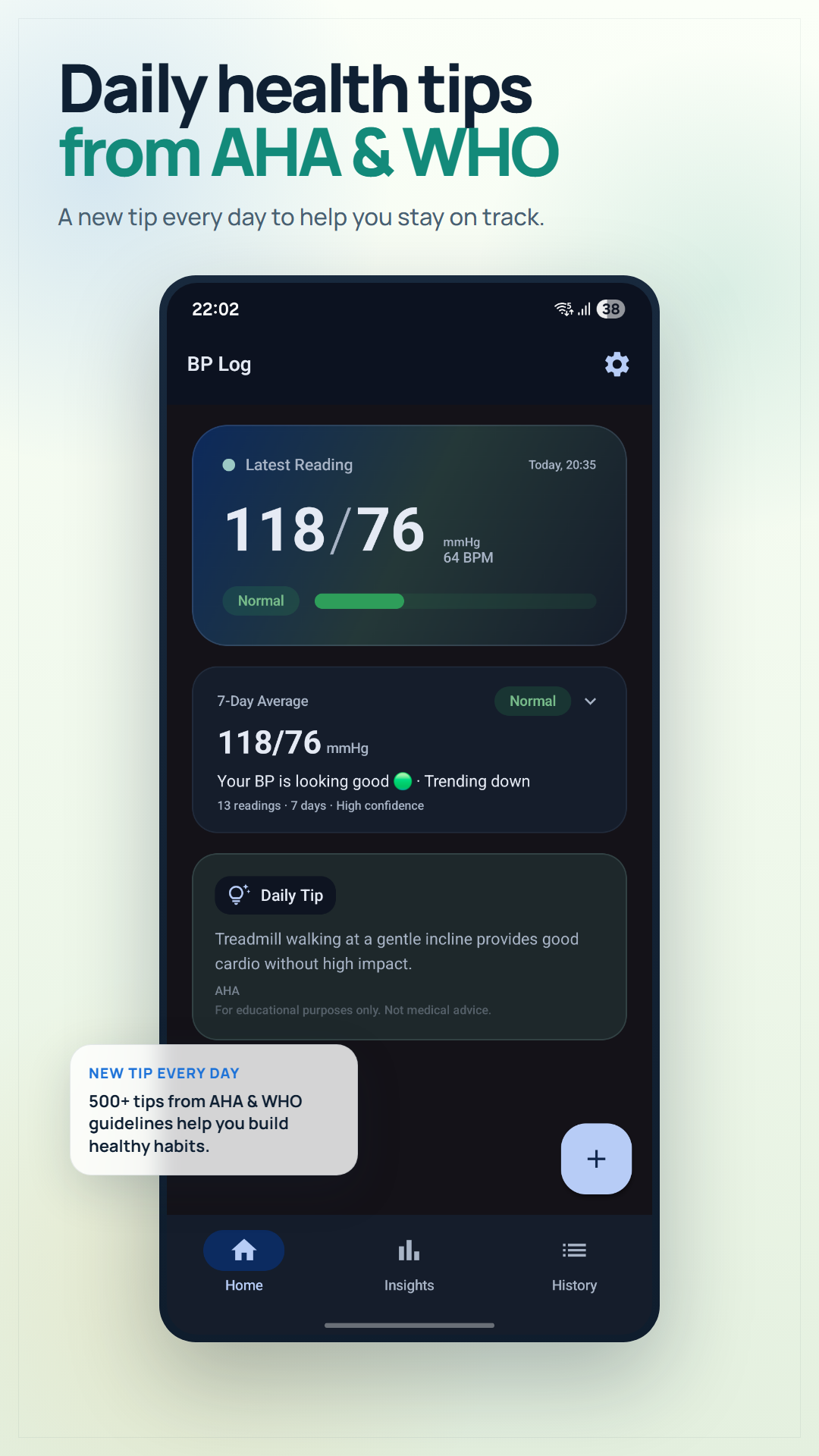
Record readings from a cuff, review reference categories and trends, then export a clear PDF to discuss with your doctor.
BP Log records numbers from a home blood pressure monitor. It does not measure blood pressure.
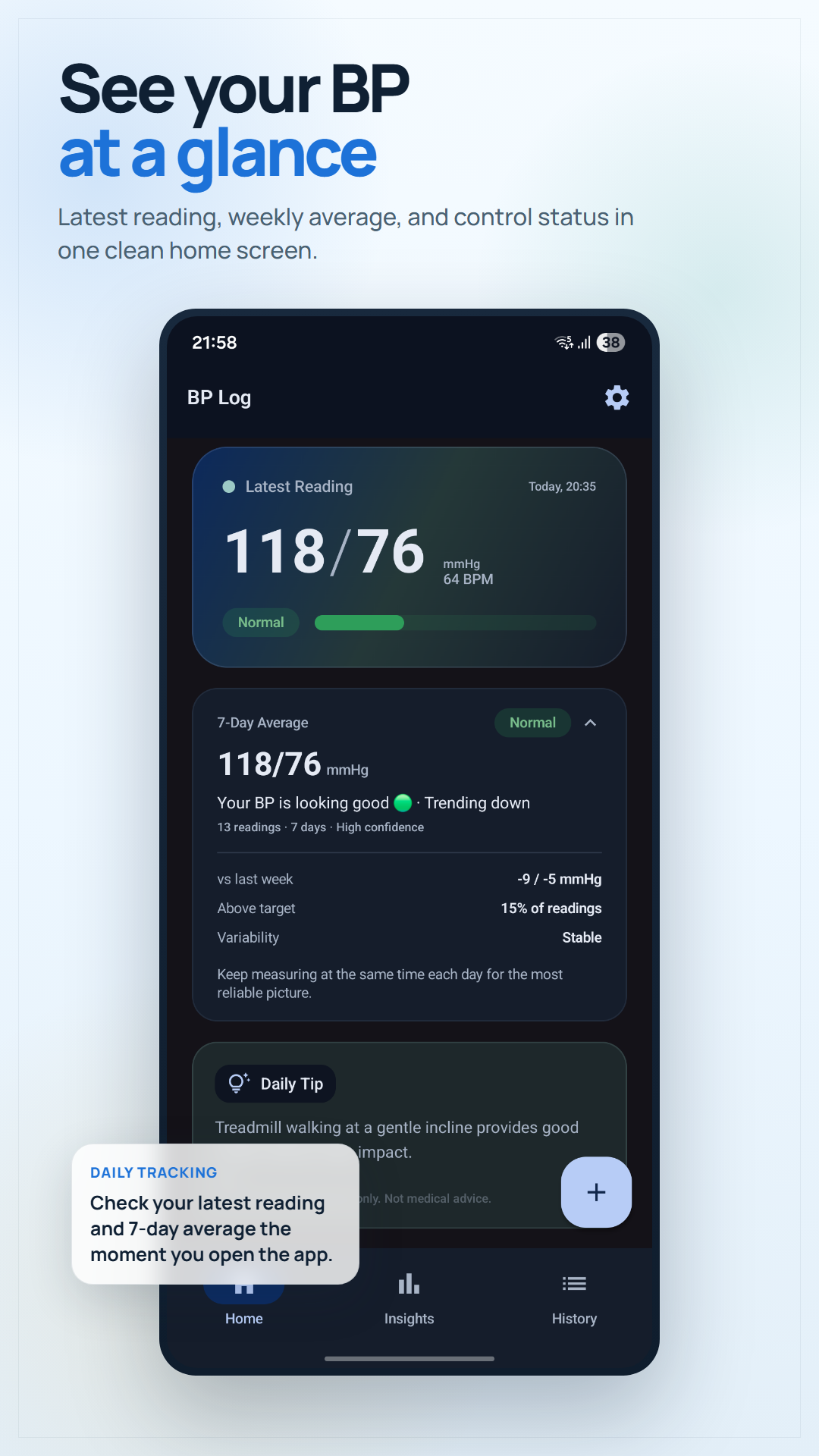
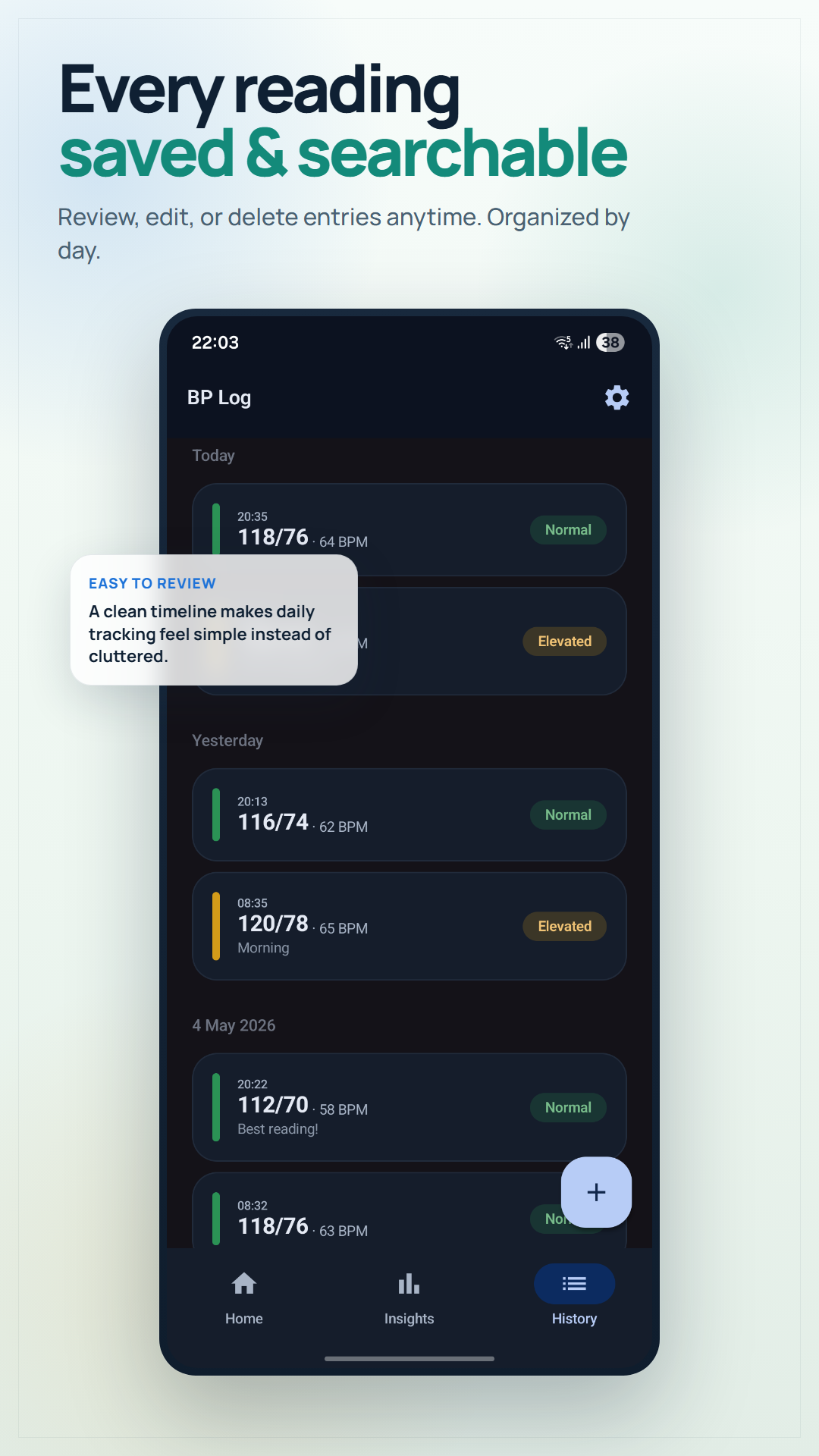
Log readings, review the history and trends, and generate a PDF report for a clinician conversation.
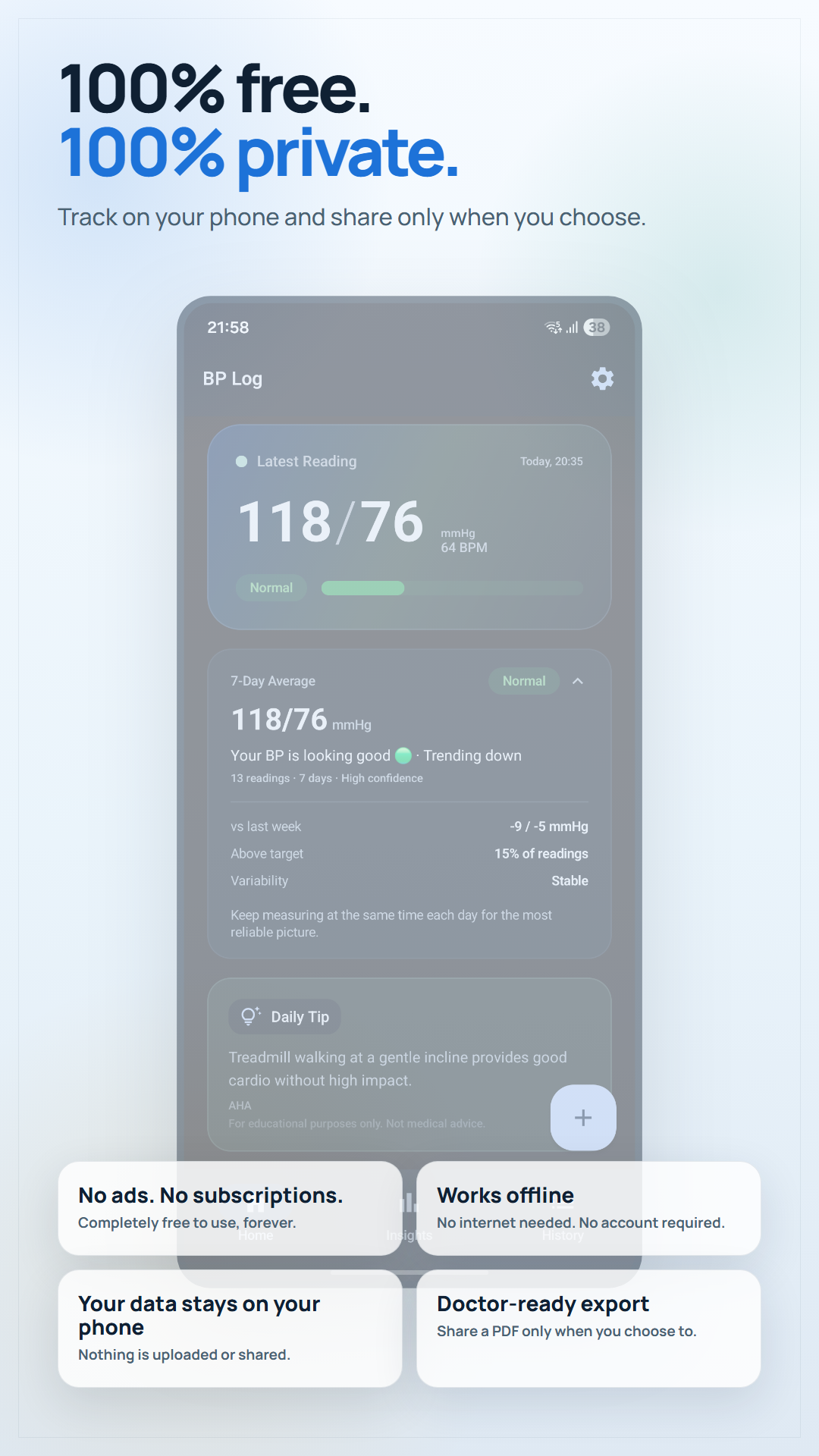
Works offline with no account needed; readings are stored on your device.
Categories and trends organise what you record; they are not medical advice or a diagnosis. For decisions about your blood pressure, bring the report and your questions to your doctor or healthcare provider.
Need a quick reference while you are logging? Try the Blood Pressure Category Checker; it is also reference-only.
Prefer paper first? Open the free printable blood pressure log or learn how to use it.
Considering options? Read the blood pressure app comparison guide.
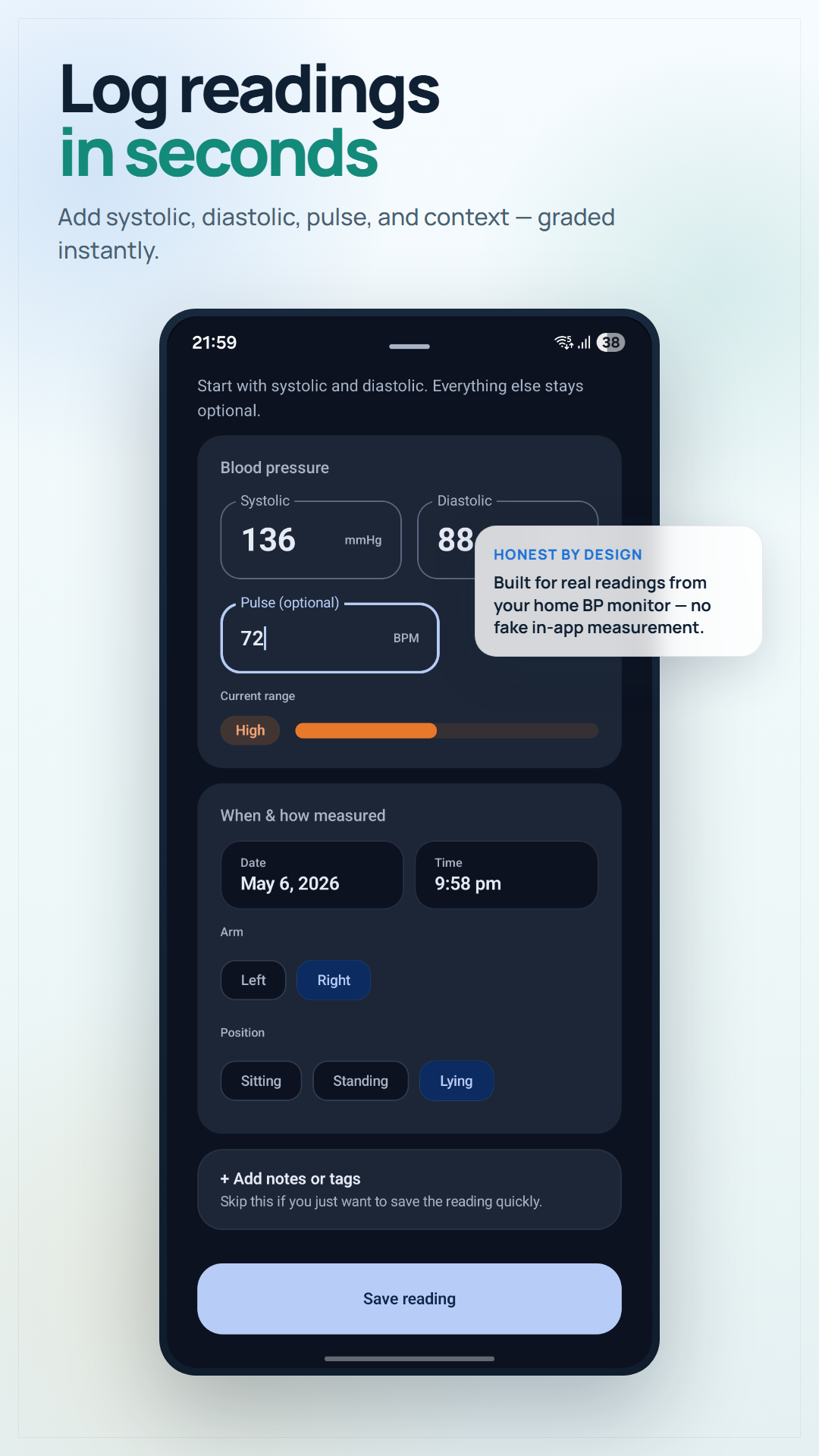
Enter systolic, diastolic, and pulse from your home monitor without a long setup flow.
Each recorded reading is classified as Normal, Elevated, Stage 1, Stage 2, or Crisis using American Heart Association guidelines.
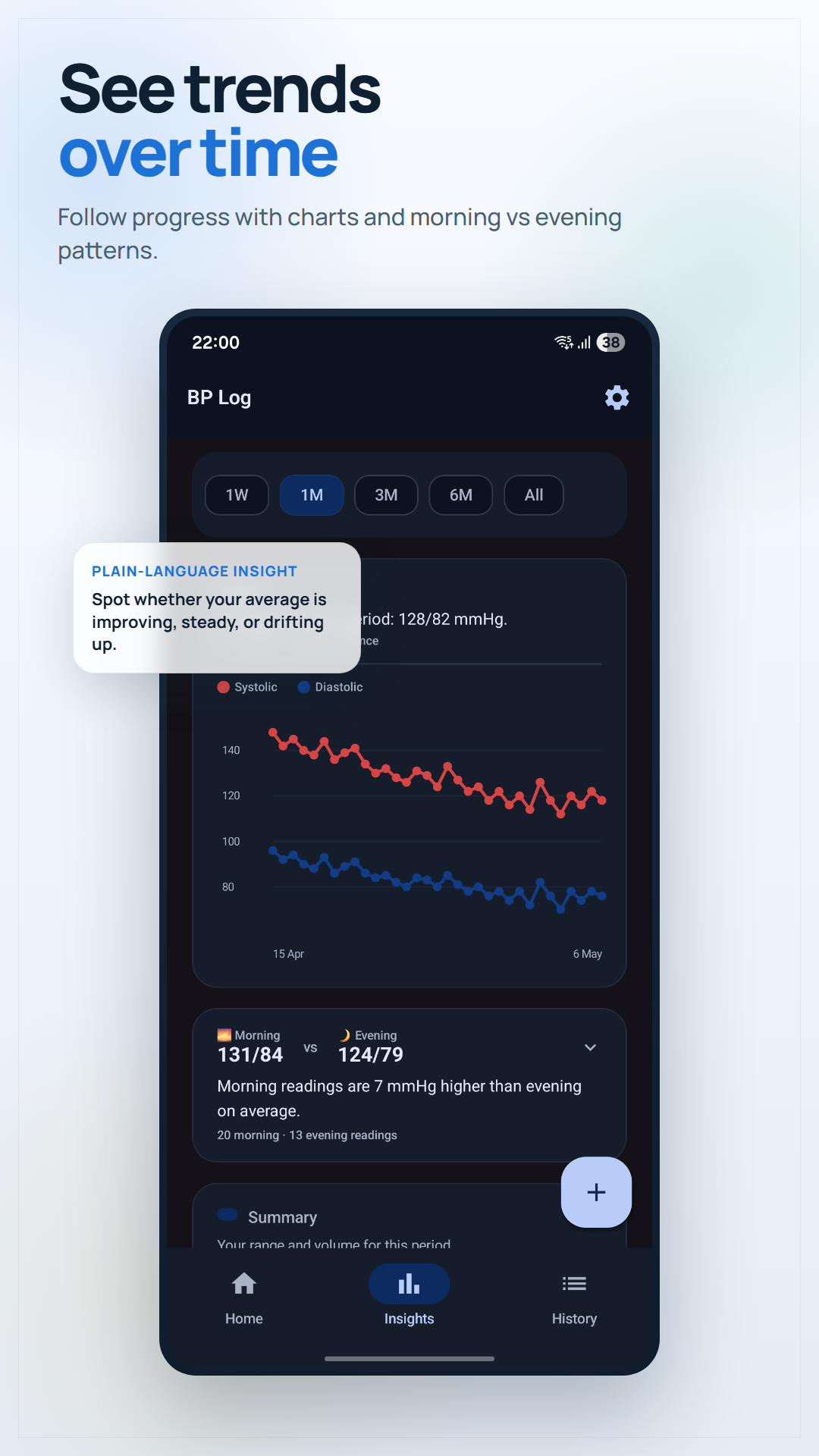
See systolic and diastolic trends by week, month, three months, six months, or all time.
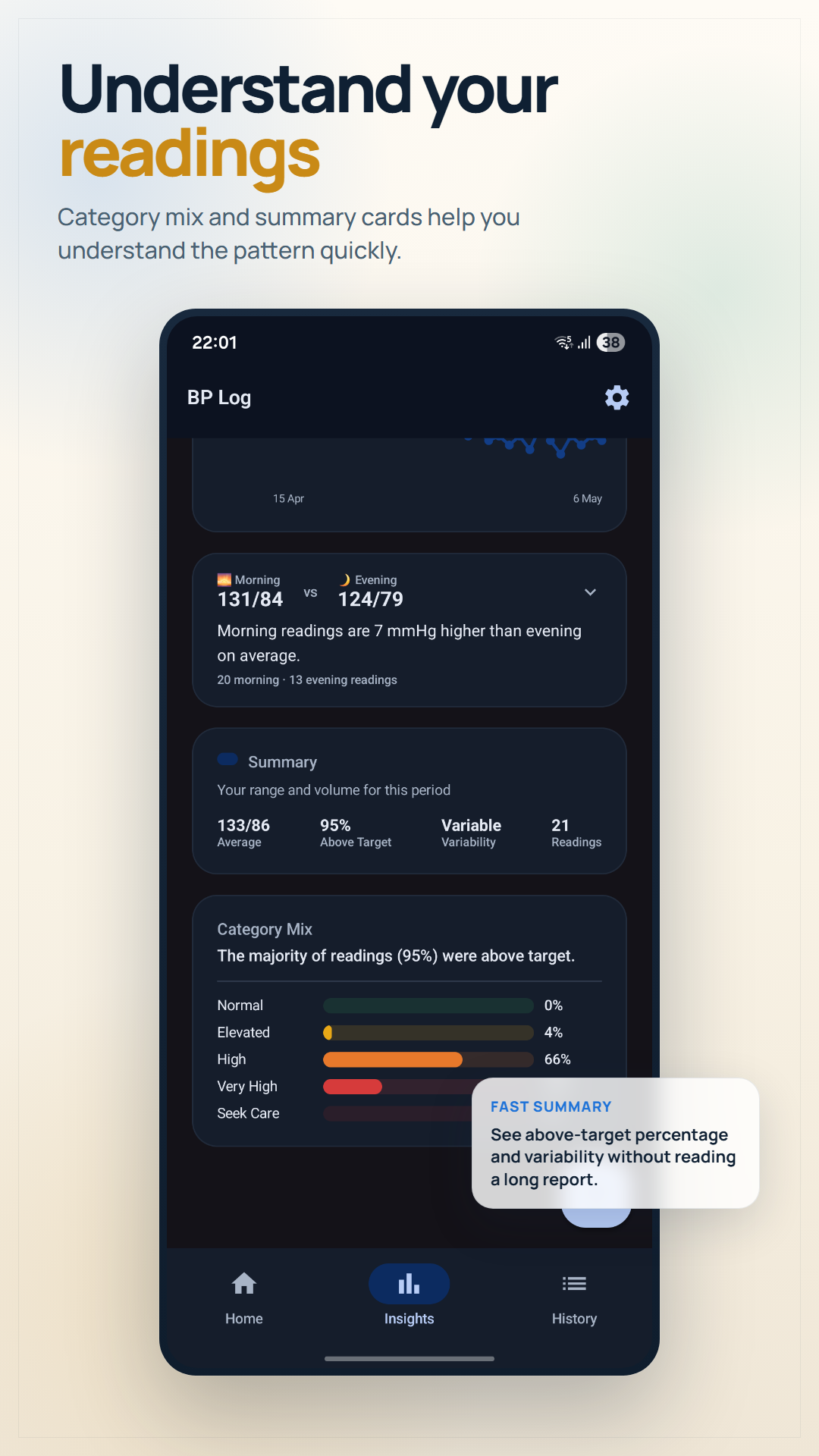
View the distribution of your recorded categories in one chart before a conversation with your doctor.
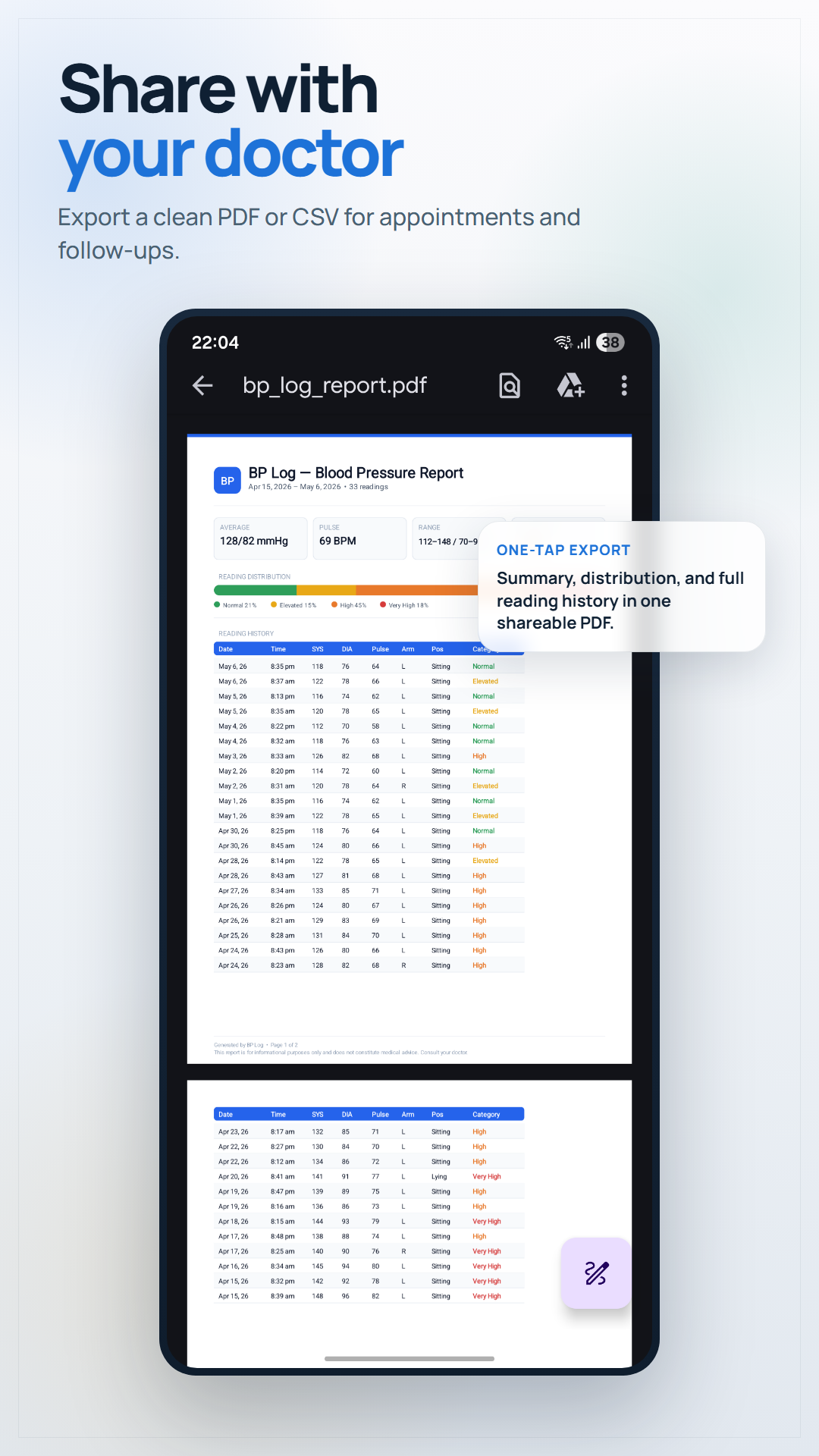
Generate a clean PDF of your readings to share at your next appointment.
Choose morning and evening reminders that fit the measurement plan you and your clinician use.
Use the history and report as a factual starting point, not as a replacement for clinical guidance.
Readings stay on your phone. No account or internet connection is needed for the core record.
| Category | Systolic | Diastolic |
|---|---|---|
| Normal | Below 120 | Below 80 |
| Elevated | 120–129 | Below 80 |
| Stage 1 Hypertension | 130–139 | 80–89 |
| Stage 2 Hypertension | 140+ | 90+ |
| Hypertensive Crisis | Above 180 | Above 120 |
Source: American Heart Association: Understanding Blood Pressure Readings.
BP Log is a home-monitor log and doctor-handoff helper - not a measuring device or medical service.
Open BP Log on Google PlayYes. BP Log has no ads and nothing to buy inside it today. Logging, history, AHA classification, trends, and reminders are the core of the app and stay free. If we ever add extras, they will be a one-time purchase, never a subscription.
No. BP Log works completely offline. Your blood pressure data is stored only on your device and never uploaded to any server.
The American Heart Association (AHA) classifies blood pressure into categories: Normal (less than 120/80), Elevated (120-129 with diastolic below 80), High Blood Pressure Stage 1 (130-139 or 80-89), High Blood Pressure Stage 2 (140 or higher, or 90 or higher), and Hypertensive Crisis (systolic higher than 180 and/or diastolic higher than 120). BP Log automatically classifies each reading.
Yes. BP Log lets you export your readings as a PDF report that you can share with your doctor via WhatsApp, email, or print.
Follow the schedule your clinician recommends. The American Heart Association advises using a validated automatic upper-arm monitor, measuring at the same time each day when possible, and taking two readings one minute apart.
Source: American Heart Association: Home Blood Pressure Monitoring.
Yes. BP Log stores all readings locally on your device only. There is no account and no cloud sync. It reports anonymous crash and usage statistics so we can fix problems, and that never includes your readings. Your health information never leaves your phone.
BP Log requires Android 8.0 (Oreo) or higher. It works on most Android phones released after 2017.
No. BP Log is an informational tool for tracking readings. The AHA classification is for reference only and is not a medical diagnosis. Always consult your doctor for medical decisions.
Learn why home BP monitoring matters, how to take accurate readings, and what your numbers mean.
See the blood pressure chart by age for adults and understand AHA categories.
Evidence-based lifestyle changes that can lower your blood pressure by 10–20 mmHg.
A complete guide to accurate home BP monitoring.
The chart by age and what your numbers mean.
Evidence-based lifestyle changes backed by research.
A print-ready log sheet with AHA category reference, plus when an app beats paper.
What genuinely helps in the moment, what to avoid, and when it's an emergency.
Tracking your health daily? A calm daily journal can help you notice how lifestyle changes affect your wellbeing, and it's fully private and offline, just like BP Log.